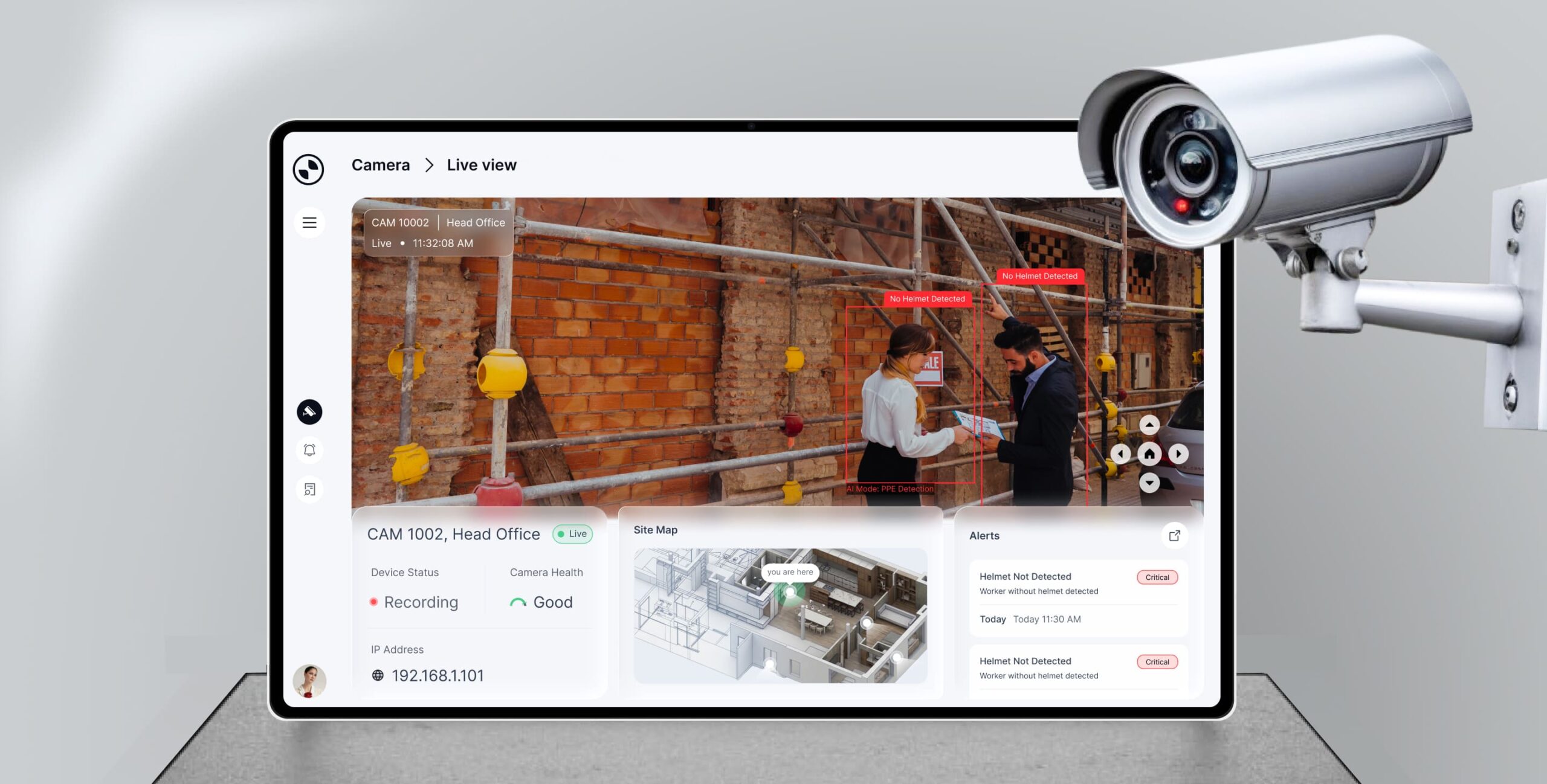
A next-generation VMS designed to streamline real-time monitoring, intelligent alerting, and investigation workflows across complex surveillance environments.
Saas platform
Dashboard
Web application
Enterprise Security
The Challenge
01
Managing Multi-Camera Complexity
Security teams struggle to monitor multiple cameras, locations, and devices simultaneously, leading to fragmented visibility and delayed responses.
02
Lack of Structured Investigation Workflows
Most VMS platforms lack clear workflows for incident tracking, making it difficult to investigate, track, and resolve security events efficiently.
03
Designing for Multiple User Roles
Creating a single system that effectively supports different user roles with varying needs, without making the interface complex or overwhelming.
The Objective
Transform complex surveillance operations into a structured, intelligent, and user-friendly system by enabling real-time monitoring, AI-driven alerts, and role-based workflows that improve response time and operational efficiency.
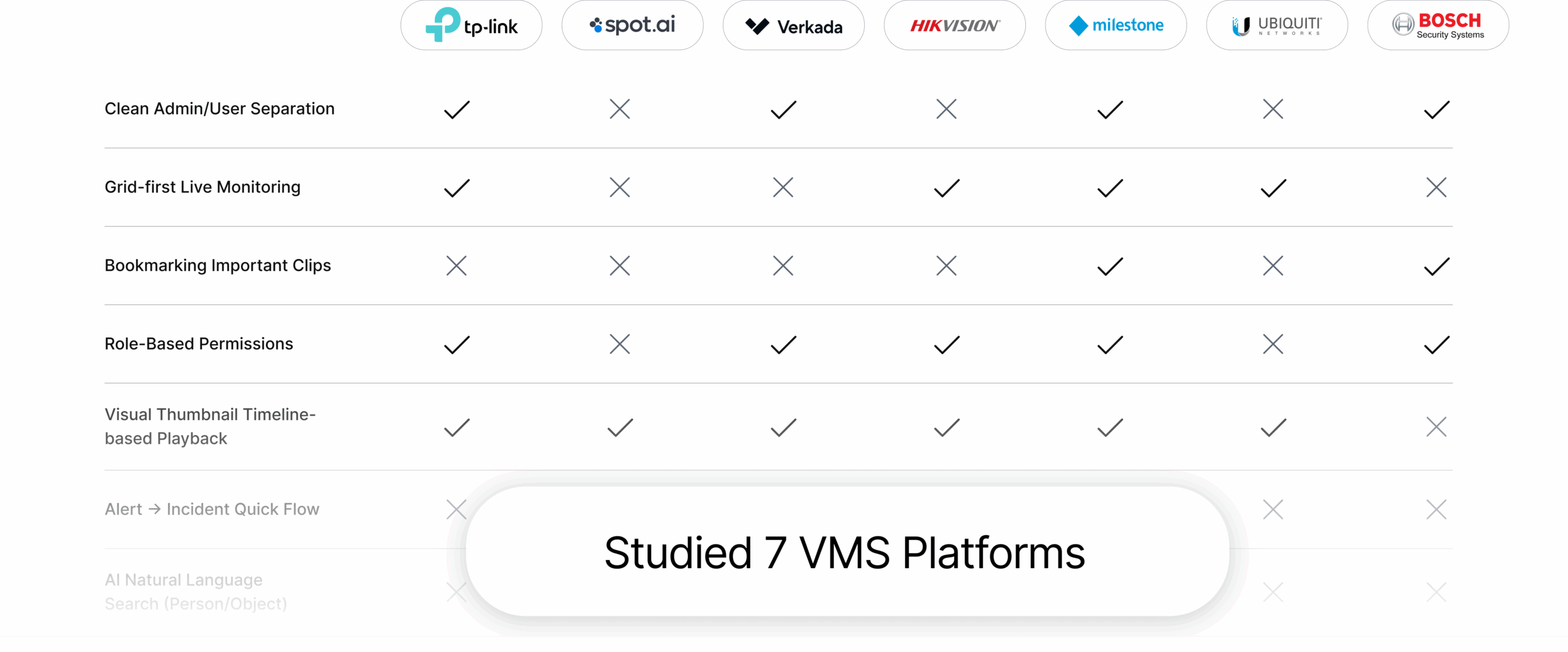
Competitive Analysis
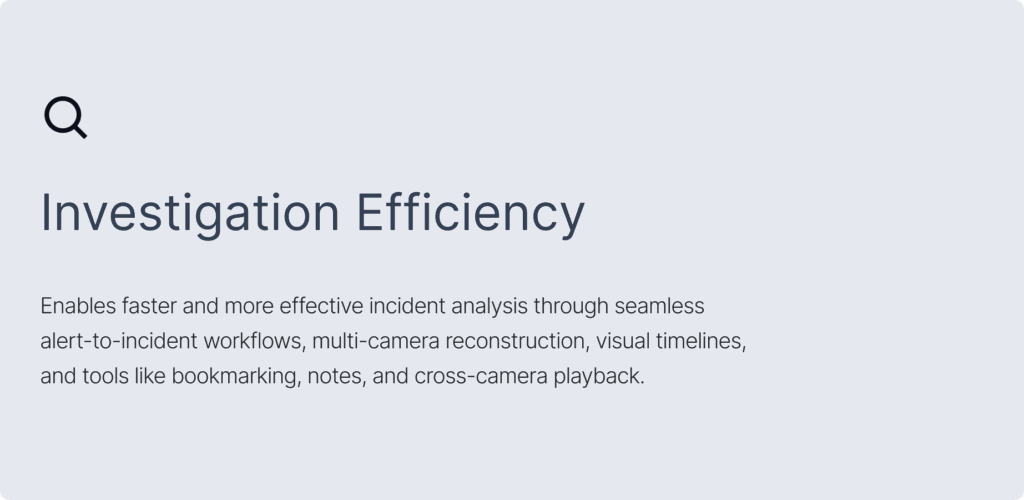
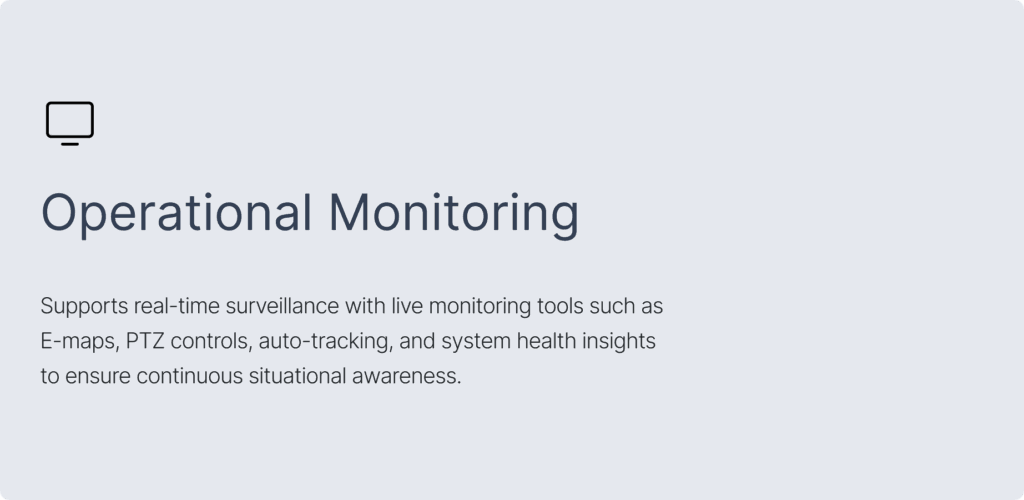
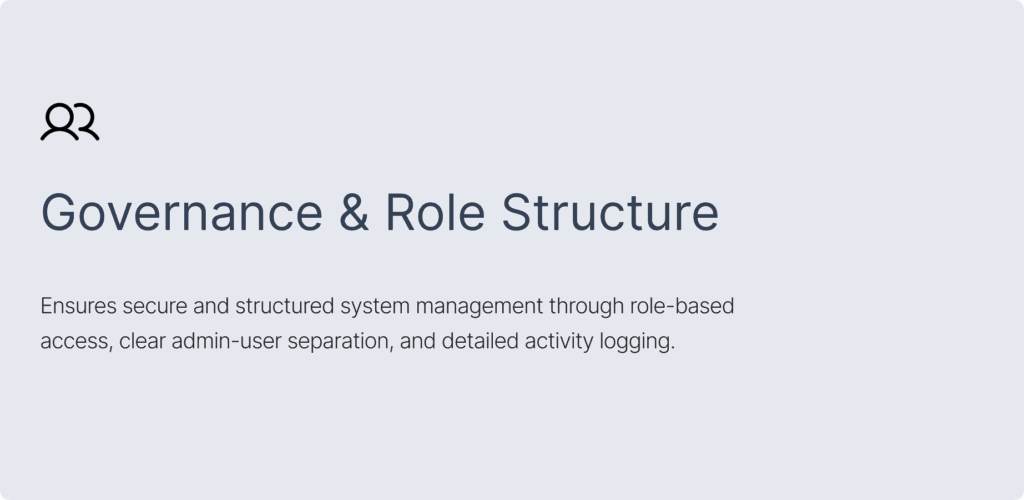
Feature Grouping Based on User Mental Models
Design Language
Personalised Views for every User
The platform was designed with role-based personalization at its core. Each user from on-ground security personnel to CSO interacts with a tailored interface that highlights the most relevant information, actions and insights. This approach help users stay focused, minimizes cognitive load, improves situational awareness, and ensures faster, more effective responses.
Intelligent Playback & Analysis
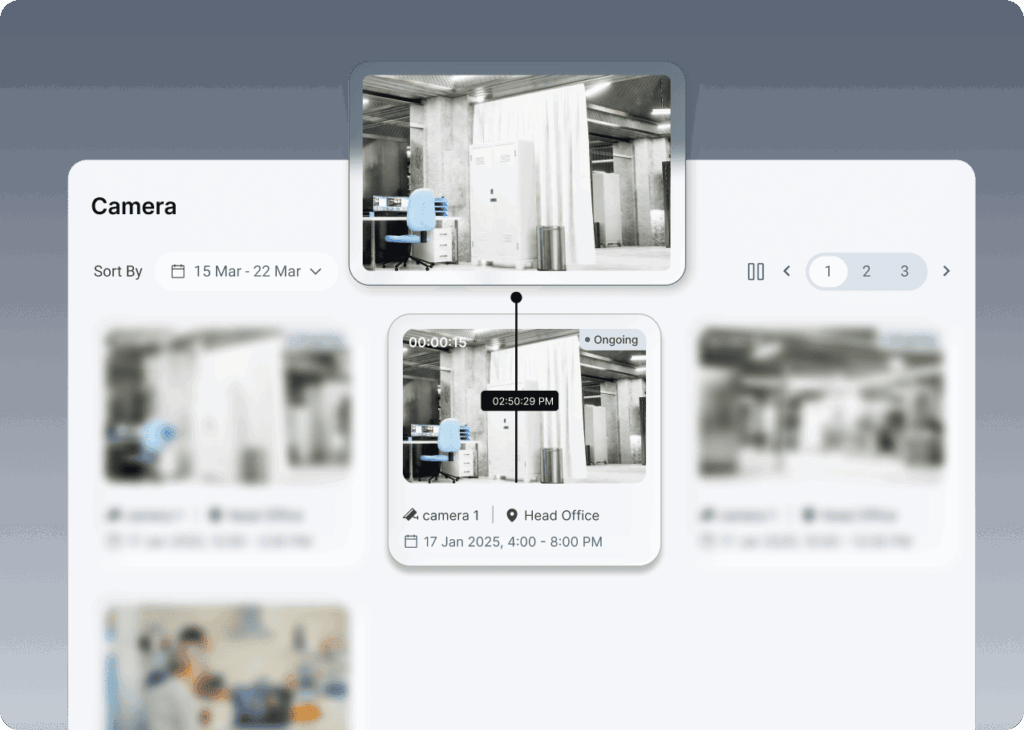
Users can easily browse, search, and review recorded video footage through an intuitive interface. The system enables seamless playback with timeline controls, allowing users to quickly navigate to specific moments and analyze events in detail.
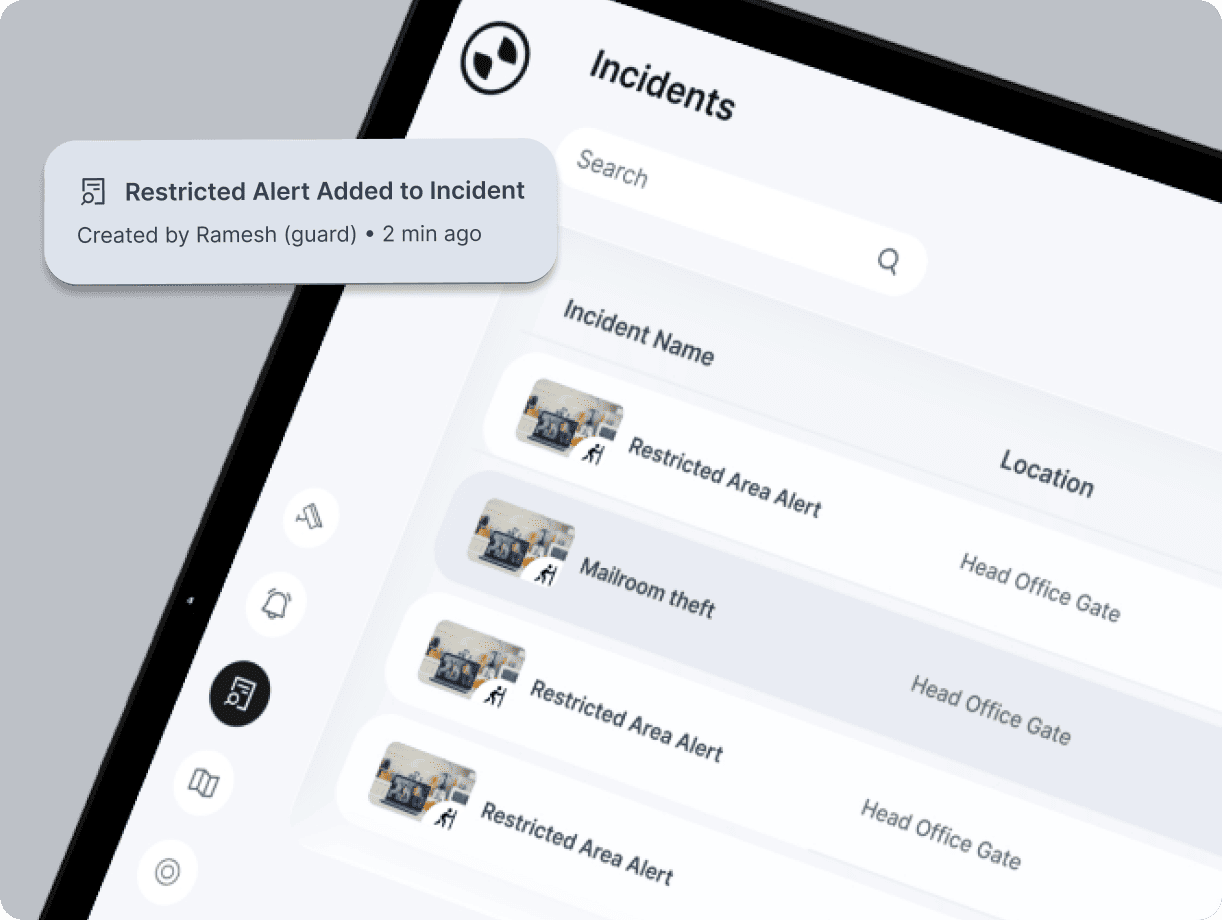
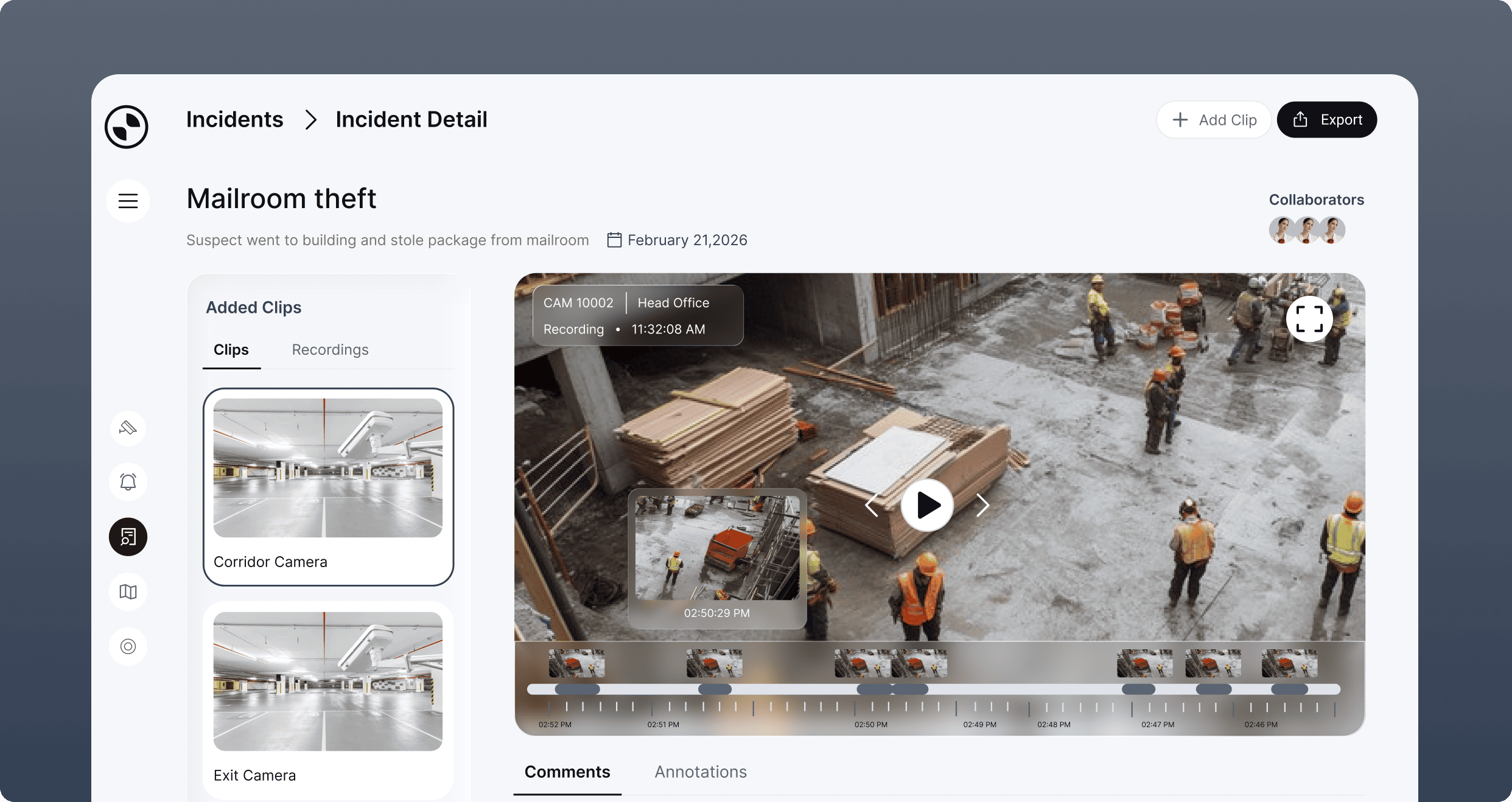
Incident Investigation Workflow
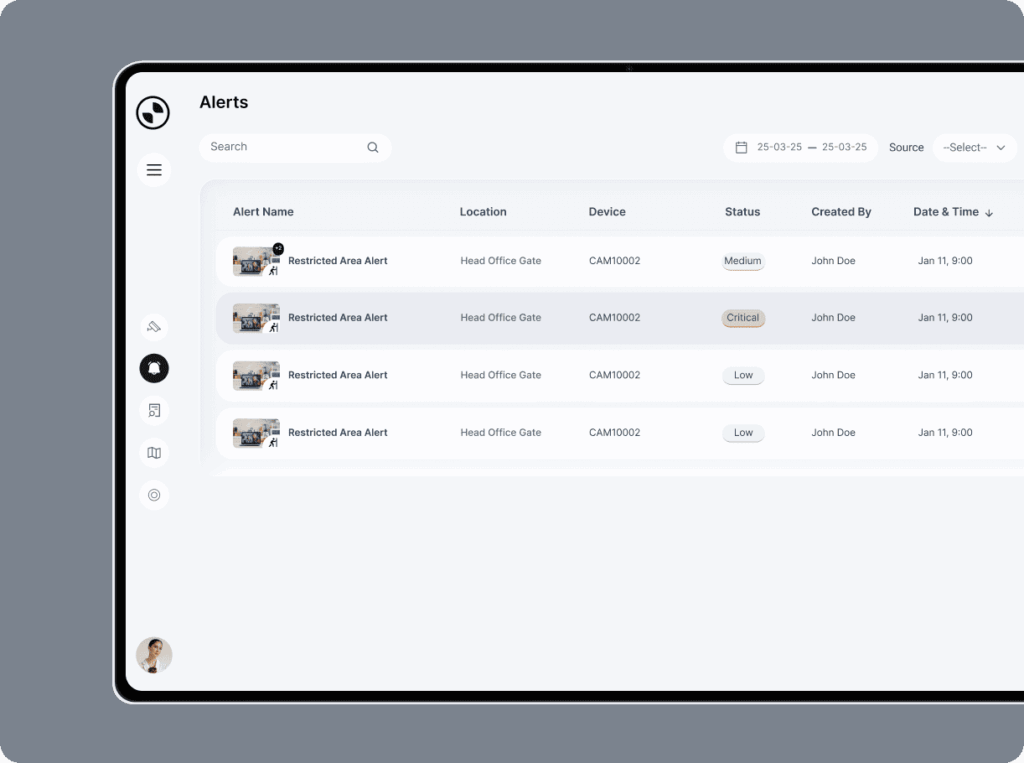
Designed to support efficient investigations, this workflow guides users from initial alerts to detailed incident analysis, bringing together key information and video evidence in a unified interface.
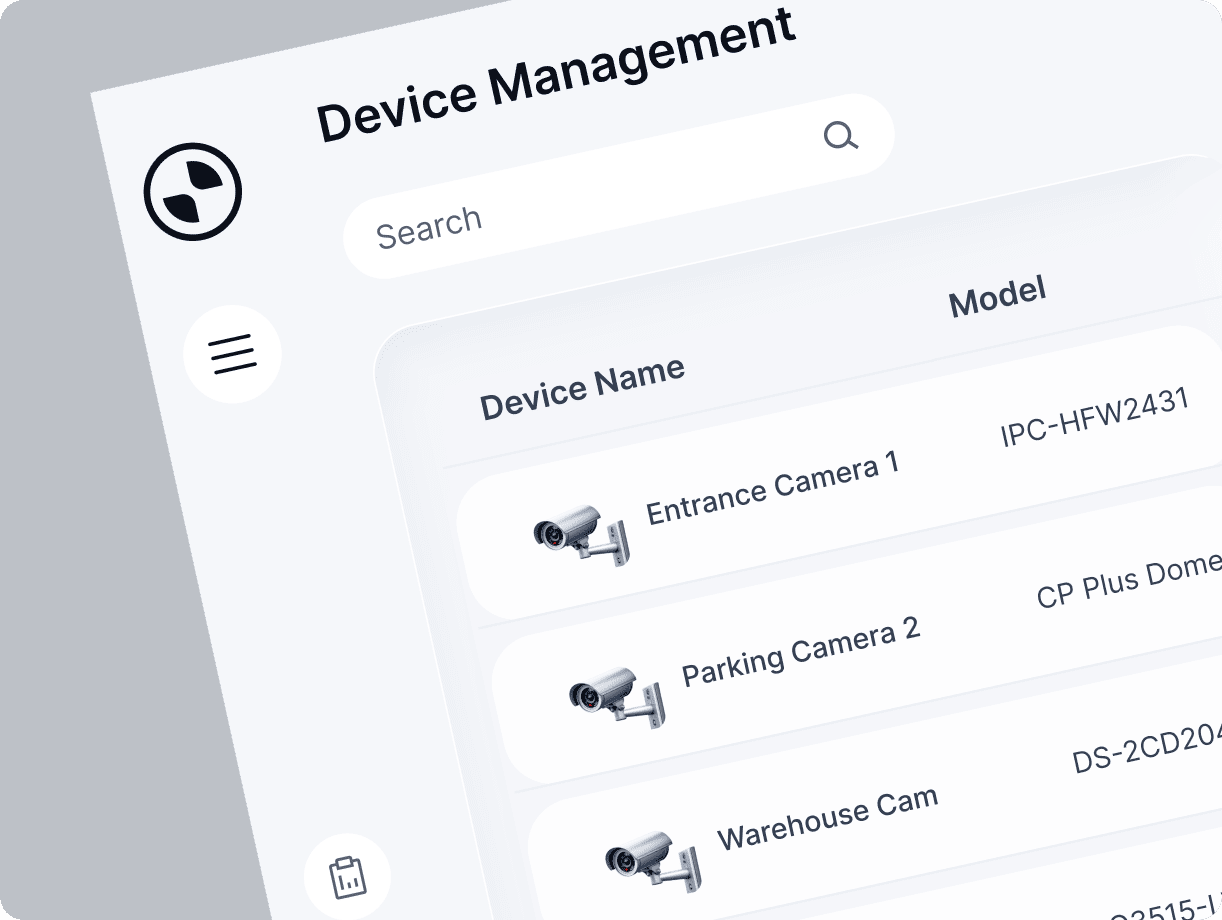
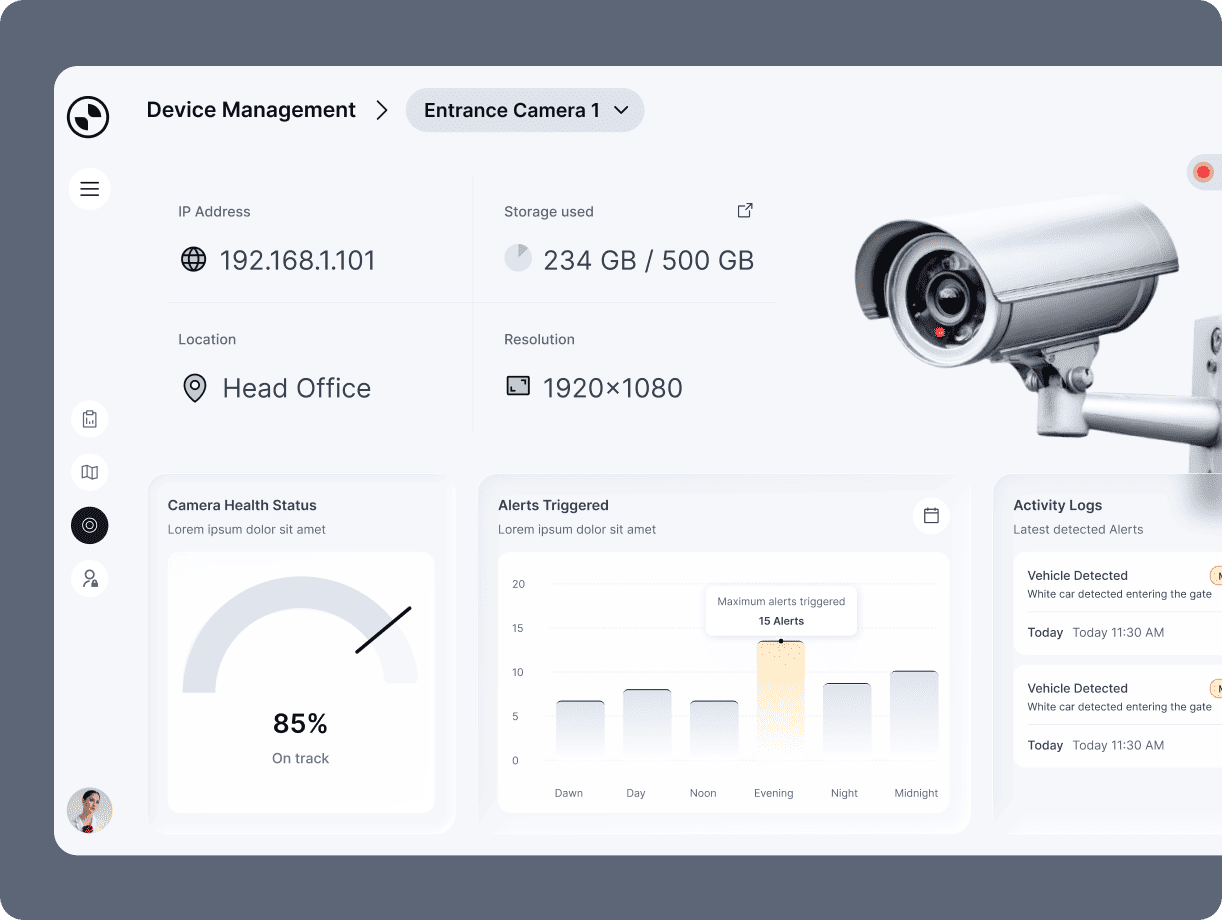
Device Management
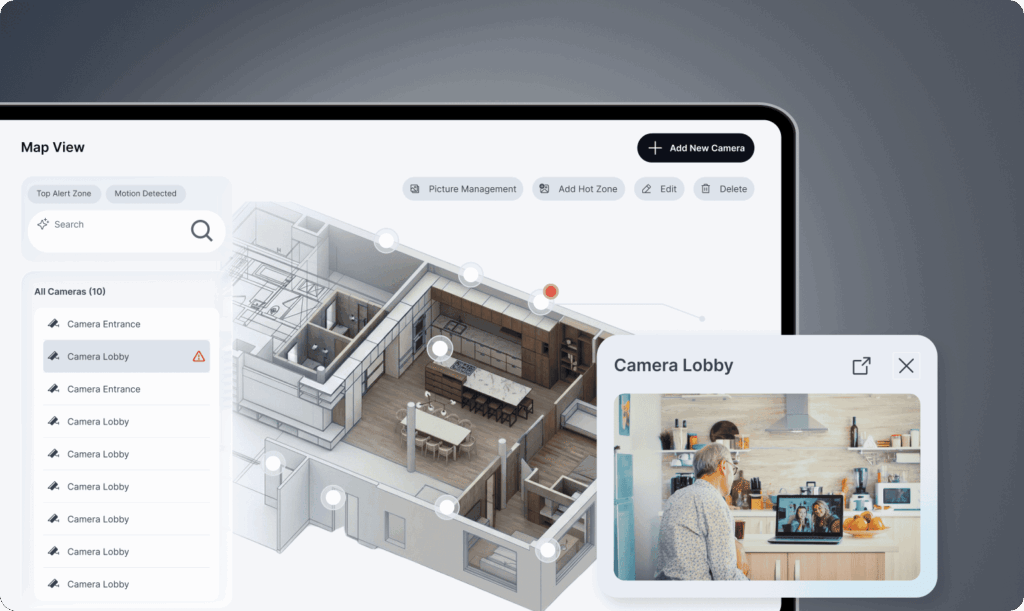
Users can manage and monitor all connected cameras and devices from a centralized interface. The system provides key details such as device status, storage usage, location, and performance metrics, enabling quick identification of issues and efficient system maintenance.
The Stats That Matter To Us
70%
Less manual monitoring & searching
Intelligent alerts and AI-powered tools reduce the need for constant manual monitoring.
75%
Reduction in investigation time
Quickly reconstruct incidents with multi-camera playback, timelines, and smart search.
2x
Improvement in monitoring efficiency
Unified dashboards, maps, and AI insights provide complete visibility at a glance.
75%
Faster response time
Real-time alerts and instant camera access enable quicker decision-making and action.
Frequently Asked Questions
1. What was the biggest UX challenge when designing the VMS?
One of the biggest challenges was making a highly feature-rich surveillance system feel understandable and manageable. The product needed to support complex operational tasks while helping users quickly find relevant information. Our research, feature grouping, mental-model analysis, and workflow design helped establish a clearer structure.
2. How did Feelpixel approach the UX design of the VMS?
At Feelpixel, we conducted extensive research into existing VMS platforms, including direct competitors, to understand how they approached surveillance features, navigation, monitoring, playback, investigation, device management, and user management. We compared these experiences to identify established UX patterns, differences between products, and opportunities to create a more intuitive and connected VMS experience.
3. How did Feelpixel took business perspective while working on vms ?
We at Feelpixel began by working with stakeholders to understand the vision for the VMS, the needs of its users, and the position the product aimed to establish in the market. Their knowledge of the surveillance landscape, including products they considered relevant and areas where they wanted to differentiate, gave us valuable context for our research. We brought these insights together to define the experience direction, feature priorities, and design approach.
4. How did Feelpixel simplify complex VMS features and workflows?
Feelpixel studied how users think about and approach different surveillance tasks, then grouped related features around those workflows. This helped us move away from a feature-first structure and create clearer connections between monitoring, playback, investigation, analytics, and device management.
5. How did Feelpixel organize complex VMS features around different user needs?
Feelpixel organized the VMS around the different roles and responsibilities of its users. For example, an admin may need to manage devices, users, and system settings, while a security guard may primarily focus on monitoring cameras and responding to incidents. We tailored the features and workflows to each role, helping users access the tools and information most relevant to their responsibilities.
6. What key opportunities did Feelpixel identify to differentiate the VMS in the market ?
Feelpixel research and conversations with stakeholders helped us identify opportunities to move beyond conventional VMS workflows. We explored ways to make surveillance more searchable, contextual, and investigation-driven, including AI-powered video search and advanced filtering, camera grouping, personalized views, and more connected investigation workflows. These opportunities helped define areas where the product could offer a more intelligent and differentiated experience within the VMS landscape.
7. How did Feelpixel design the VMS to manage cameras across multiple locations?
Organizations can have very different surveillance setups, from a small number of cameras at a single site to hundreds of cameras distributed across multiple locations. We designed the device management experience to accommodate this variation by allowing cameras to be organized into meaningful groups based on location and operational needs. This gave users a clearer way to navigate and manage their surveillance infrastructure as the number of devices grew.
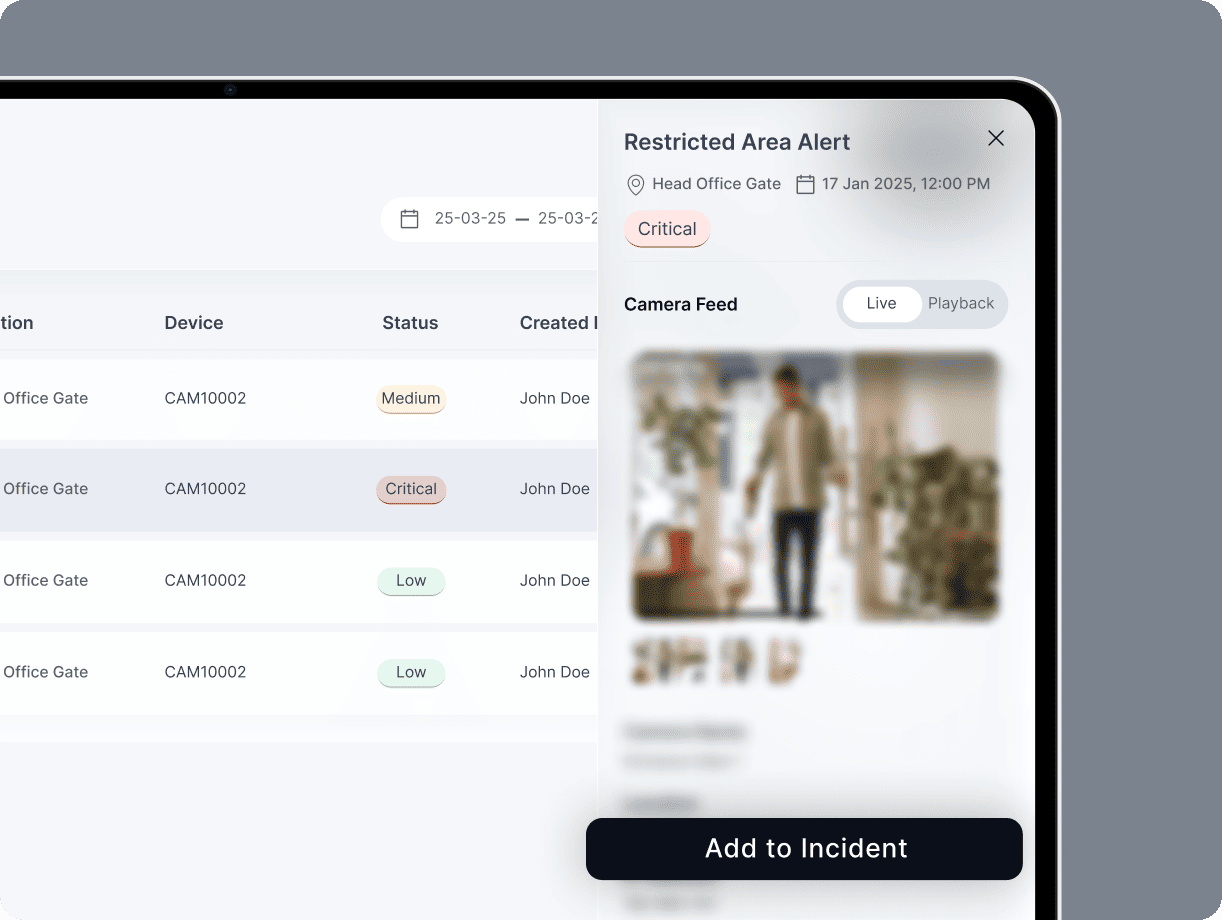
8. How did Feelpixel use AI to make video investigation more efficient?
Feelpixel designed an AI-powered search experience that helps users find relevant objects and events across surveillance footage. Users can apply visual criteria, such as identifying a red car, and surface matching results across multiple cameras. These results can then be used to build an investigation, helping users move from broad surveillance footage to a focused view of a specific event or object.
Similar Projects
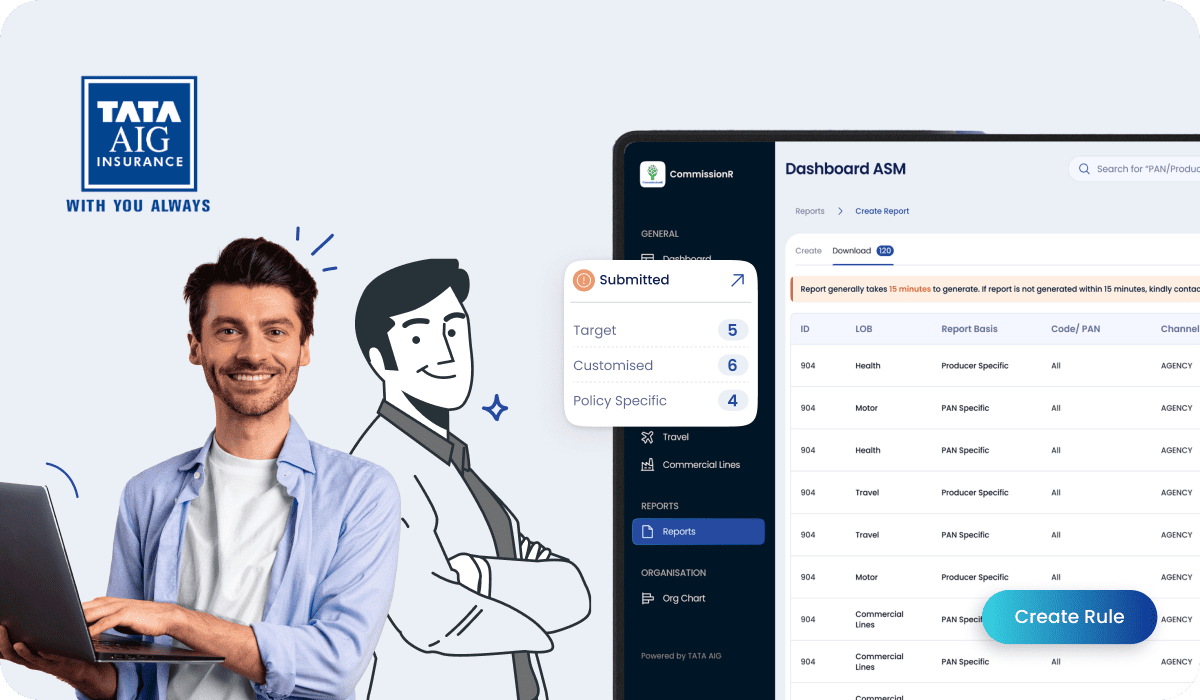
Designed for TATA AIG, CommissionR helps sales managers structure commission payouts for producers across different insurance segments of businesses.
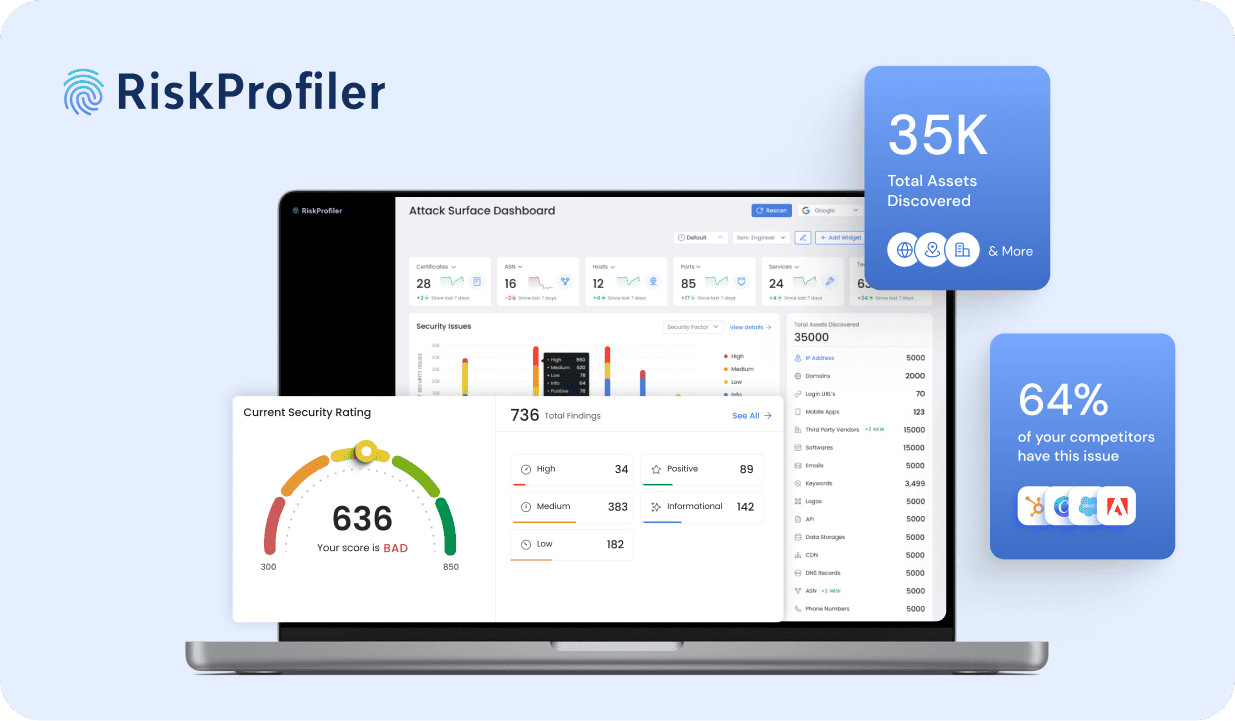
Designed an insightful dashboard for RiskProfiler that enhances security with advanced cybersecurity solutions, providing real-time ratings and automated risk analysis.
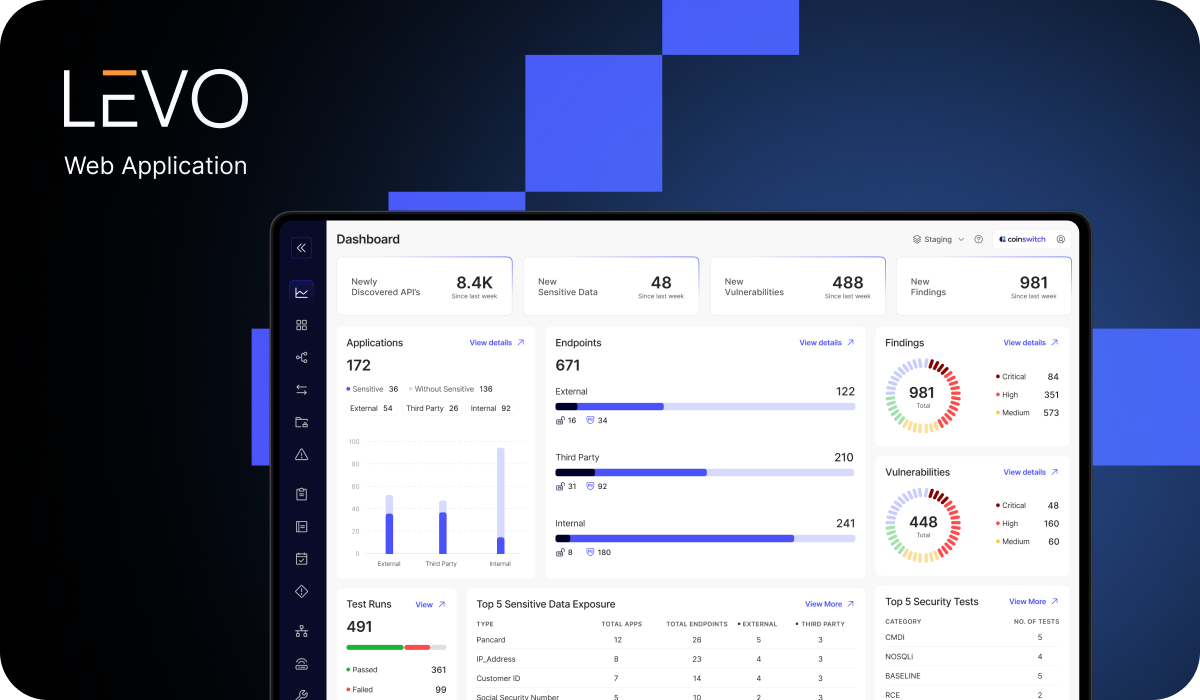
We redesigned the product to simplify complex workflows, establish a consistent interface, and empower DevOps and security teams to fully utilize its protection capabilities.
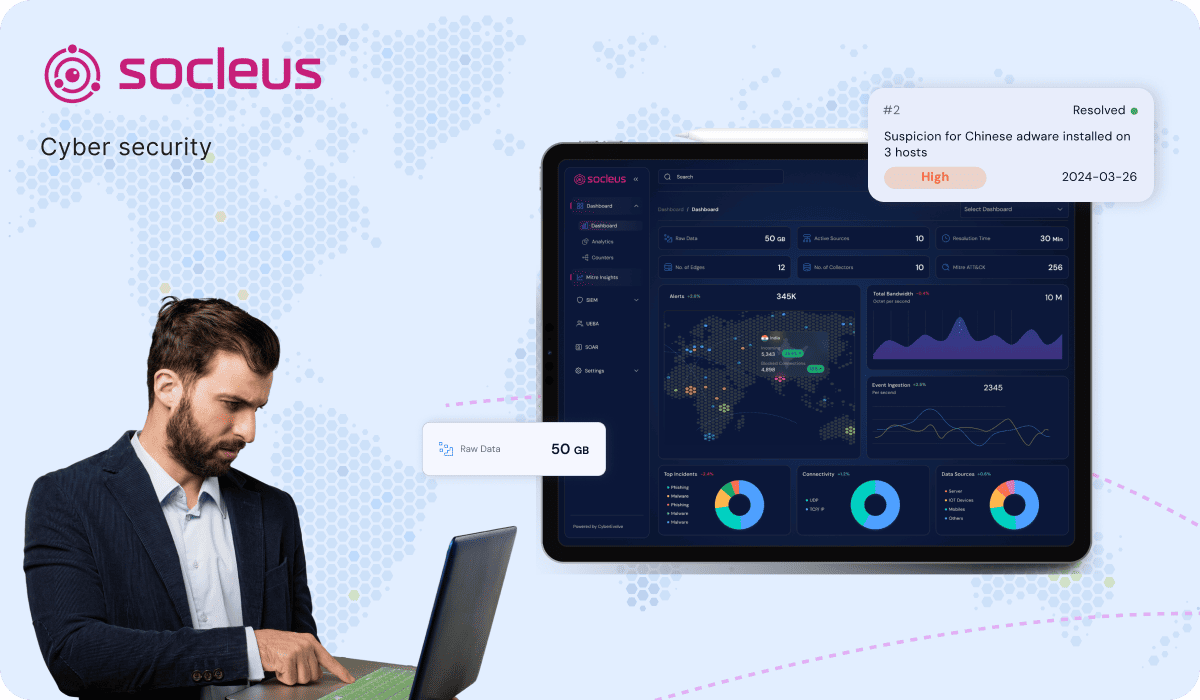
We strategically redesigned experiences which empowers cybersecurity professionals to effortlessly manage security events, devices, and threats, while ensuring a modern, intuitive user experience.



 FintechTATA AIG
  Cyber SecurityRisk Profiler
  Cyber SecurityLevo
  Cyber SecuritySocleus